How do I enable Modbus TCP on my Bluetti battery?
To enable Modbus TCP, please log in to your Bluetti app and follow the steps below:
(Please note that the term 'Join VPP' in the Bluetti app is a misnomer; you are actually not joining any VPP but only enabling Modbus TCP on your Bluetti system, which is required for the Voltello LinkPro to be able to communicate with it.)
1.) Under VPP, select Join VPP
2.) Under Service Provider, select Voltello.
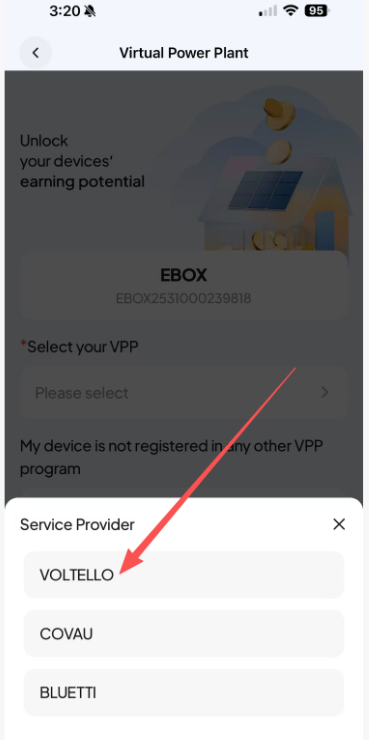
3.) Confirm that the port is set to 502, then toggle Voltello Virtual Power Plant to On and click Save.
-----------------------------
Please ensure the Bluetti firmware is up to date. Look for 'Firmware Upgrade' and 'System Upgrade' in your Bluetti app: